AI PHONE ORDERING + MERCHANT MANAGEMENT

FROM PHONE CALL
TO PAID ORDER.
TO YOUR KITCHEN.

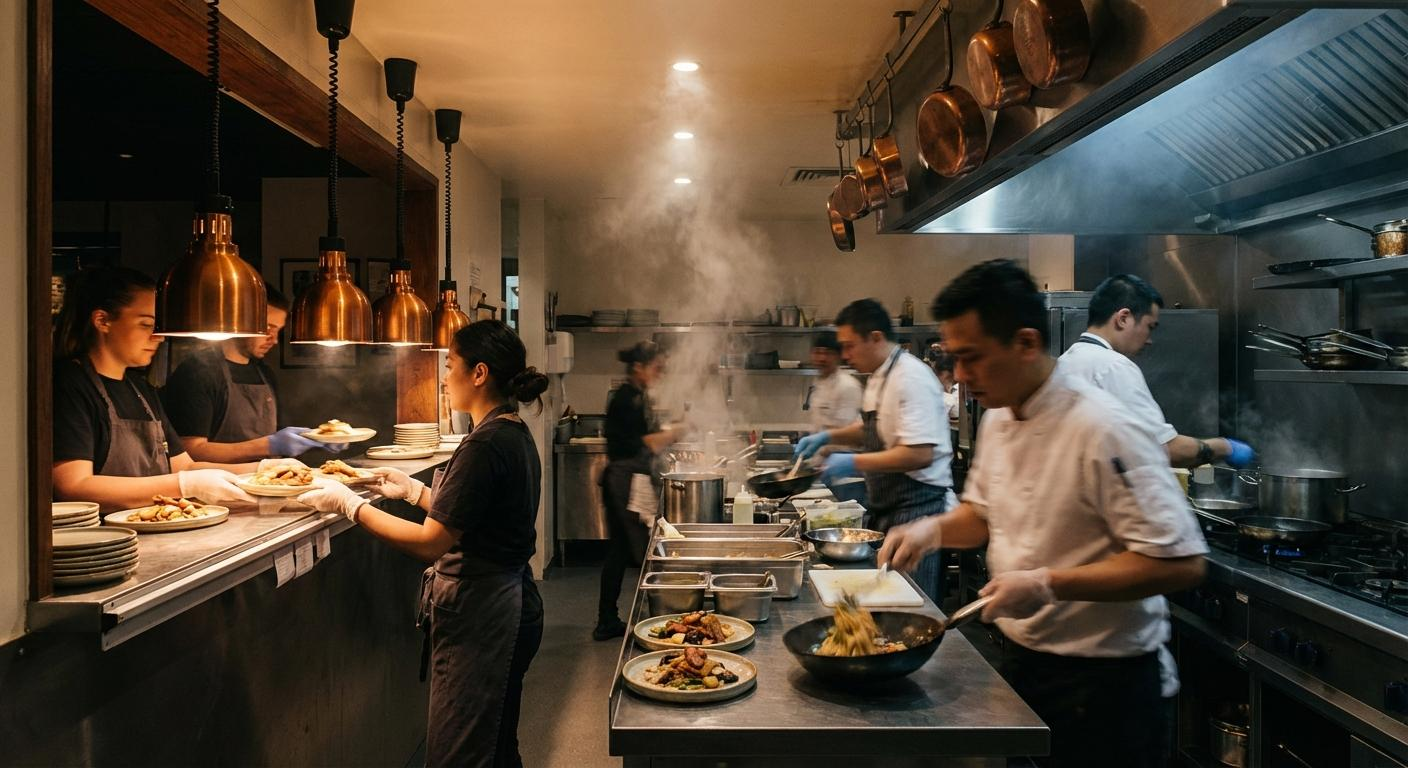
BypassLines takes restaurant phone orders using your menu, guides customers through payment, and sends paid orders into your connected restaurant workflow—while your team keeps serving.

$299 per location / month · Explore pricing →
Keep your restaurant number Works with supported POS systems Merchant order management
HOW BYPASSLINES WORKS

The simple part is yours.
The hard part is ours.

Keep running your restaurant. BypassLines helps make sure the phone doesn't become another thing your team has to stop for.

01

They Call

Your customers call your restaurant like they already do. When your team can't get to the phone, BypassLines can.

02
BL

We Take the Order

BypassLines uses your restaurant's menu to handle the ordering conversation, including the choices and modifiers needed to get it right.

03

Your Kitchen Gets to Work

Once payment is confirmed, the paid order flows through your connected POS into your existing kitchen fulfillment process.

They call. We answer. Your kitchen gets the order.

Call → Order → Payment → POS → Kitchen. See the full journey in the example below.

EXAMPLE ORDER

Hear the request.
See the order take shape.

From phone call to paid order to kitchen—without your staff stopping to take the call.

YOUR RESTAURANTExample complete

One call.
Every detail.

Restaurant phone order
00:50
BypassLines

“Payment is confirmed, and the kitchen has received your order. Thanks for calling our restaurant!”

Read the example conversation
  1. BypassLines: Thanks for calling our restaurant. What can I get started for you today?
  2. Customer: I’d like two cheeseburgers and a large fry.
  3. BypassLines: Absolutely. How would you like the burgers cooked?
  4. Customer: Medium. Add bacon to one.
  5. BypassLines: Got it. Two medium cheeseburgers, bacon on one, and a large fry. Anything else today?
  6. Customer: That’s everything.
  7. BypassLines: Your total is $30.24, including tax. Once payment is confirmed, we’ll send your order right through.
  8. Example event: Payment confirmed.
  9. BypassLines: Payment is confirmed. Thank you! We’re sending your paid order to our restaurant now.
  10. Example event: Paid order sent to POS, then received by the kitchen.
  11. BypassLines: The kitchen has received your order. Thanks for calling our restaurant!
THE RECEIPTEXAMPLE ORDER
YourKITCHEN
PHONE ORDER#1042 · EXAMPLE

Kitchen received

QTY / ITEMAMOUNT
Cheeseburger$11.00 eachCook: MediumBacon on one burger
$22.00
Add baconOne burger only
$2.00
Large fries$4.00 each
$4.00
Subtotal
$28.00
Tax (illustrative 8%)
$2.24
Total
$30.24

Made with care. Thanks for your order.

Illustrative menu prices and tax.
No real charge or order. Not BypassLines service pricing.

  1. ORDER CAPTURED
  2. SENT TO POS
  3. KITCHEN RECEIVED

Call → Order → Payment → POS → Kitchen. Visual example only; no real call, charge or order.

Put BypassLines to Work
YOUR ORDERS. YOUR CONTROL.

The call ends.
Your team stays in control.

The phone is still an ordering channel. BypassLines makes it digital—with order details your team can review after the conversation.

BypassLines · Merchant dashboardPRODUCT ILLUSTRATION
YOUR RESTAURANT

Orders, at a glance.

ILLUSTRATIVE ORDER
Incoming orders 3
Customer 1New

#1042 · Pickup

2:42 PM$30.24
Customer 2New

#1041 · Pickup

2:39 PM
Customer 3New

#1040 · Pickup

2:36 PM
ORDER #1042

Order details

New
ORDER TYPEPickupCUSTOMERCustomer 1
Order details
ItemAmount
2 × CheeseburgerMedium · $11.00 each$22.00
1 × Add baconOne burger only$2.00
1 × Large fries$4.00
Special instructionBacon on one burger only.
Subtotal
$28.00
Tax (illustrative 8%)
$2.24
Total
$30.24
Status controls
NewPreparingCompleted
Refund control available in the merchant dashboard
Styled illustration of existing order-management features. Illustrative items and prices; no actual merchant or customer data; controls shown here are not interactive. This is not a screenshot of a redesigned live dashboard.
01 / SEE

Incoming orders

Review new orders in one place, with customer and order details together.

02 / UNDERSTAND

Every detail stays attached

Items, modifiers, special instructions and totals stay with the order.

03 / MANAGE

Your team keeps control

Use existing order-status and refund controls in your merchant dashboard.

From the ordering conversation to the details your restaurant needs.

Get Started ↗
THE REALITY OF RUNNING A RESTAURANT

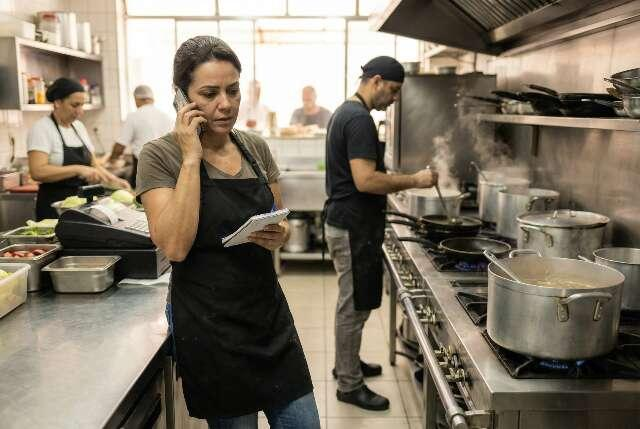
You can't answer the phone when your hands are already full.

Being busy should mean business is good — not that you're losing the next order because nobody can get to the phone.

01

Running it yourself?

You're cooking, taking payments and helping customers. Then the phone starts ringing.

02

Short staffed tonight?

The employee answering the phone is often the same person your customers need at the counter.

03

Kitchen slammed?

Stopping everything for another phone order interrupts the entire operation.

04

Out catering an event?

You may be away from the restaurant. Your customers are still calling.

A ringing phone isn't just a call.

It could be your next order.
BUILT FOR THE REAL SHIFT

You don't need more things to manage.

You need the things already demanding your attention to stop competing with each other.

One-person operation?

Keep cooking, serving and running the business while BypassLines handles ordering calls.

Short staffed?

Keep your people focused on the guests and orders already in front of them.

Catering while the restaurant stays open?

Your attention can be somewhere else without every unanswered call becoming a missed opportunity.

A warmly lit restaurant ready to welcome its next guests
KEEP YOUR TEAM IN THE MOMENTAt the counter.
On the line.
With your guests.

The phone order can keep moving, too.

THE CALL YOU DON'T ANSWER

Being busy shouldn't cost you the next order.

One missed call might be one meal. During a rush, it could be several. Over time, unanswered ordering calls become opportunities your restaurant never gets the chance to fulfill.

BypassLines gives those calls somewhere to go.Stop Missing Orders
PHONE ORDERING. MERCHANT CONTROL.

Turn phone calls
into orders.

Keep your team focused on service. Bring phone ordering and merchant order management together for your restaurant.

Call Order Payment POS Kitchen

Keep your restaurant number. Use your menu. Confirm your POS connection during setup.

BYPASSLINES FOR RESTAURANTS
$299per location / month

AI phone ordering with merchant order management.

  • No per-minute AI billing
  • No commission on restaurant sales
  • Ordering conversations using your menu
  • Item modifiers and special instructions
  • Customer payment experience
  • Supported POS connection
  • Merchant order details and status controls
  • Restaurant onboarding and support
Get Started

Subscription price. Ask us to confirm payment-processing costs and any other applicable charges before activation.

READY WHEN YOUR CUSTOMERS CALL

The next order could already be ringing.

Keep your team focused. Keep your kitchen moving. Give more ordering calls a chance to become an order.

Get Started With BypassLines

Ask BypassLines

Your restaurant. Your questions.

Product guide · Answers from approved BypassLines information

Product questions only. Please don’t enter sensitive information.
Get Started